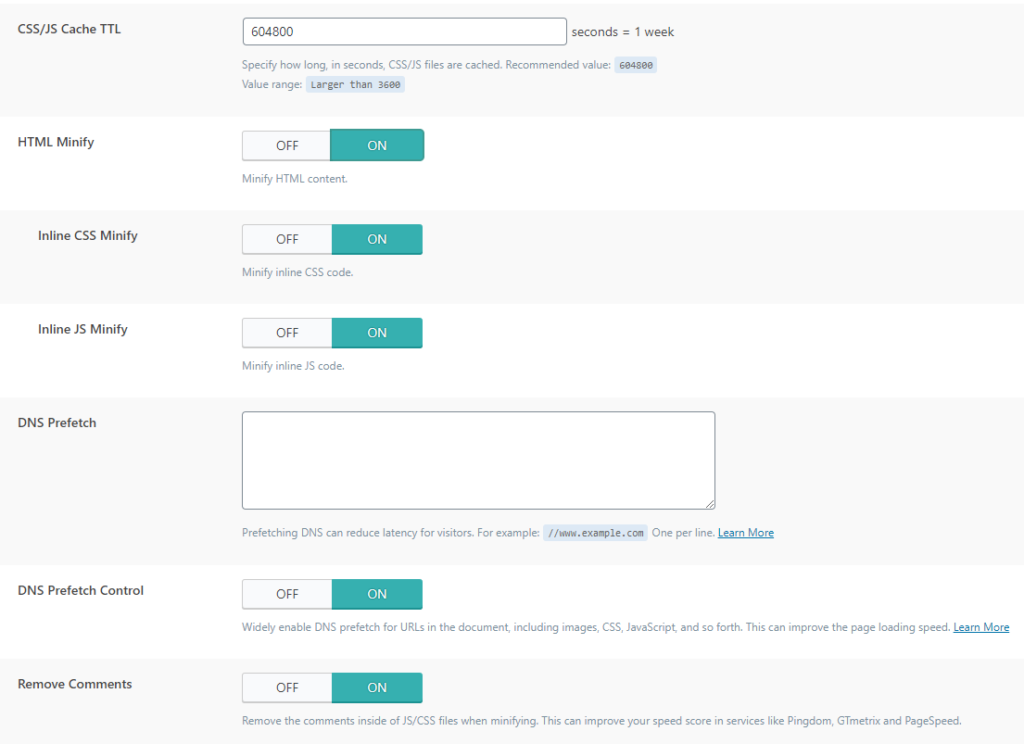
CSS/JS Cache TTL: the time the created cache remains before being recreated.
HTML Minify: As with CSS and JS this is a complete HTML minification deleting redundant parts. With this and the next two options, you need to test the site after applying as we mentioned at the beginning.
Inline CSS Minify: With this, the entire minify CSS that has already been created in the first step of this part is inserted into the HTML as inline and thus further reduces the number of requests.
Inline JS Minify: Just like CSS, already minified JS is inserted as online and prevents additional requests.
DNS Prefetch: Sends a DNS request before the request is made. Enter domains.
DNS Prefetch Control: If you have included Javascript, images and CSS, this will further speed up the site.
Remove Comments: Deleting comments in minimal css and js files to further save space.
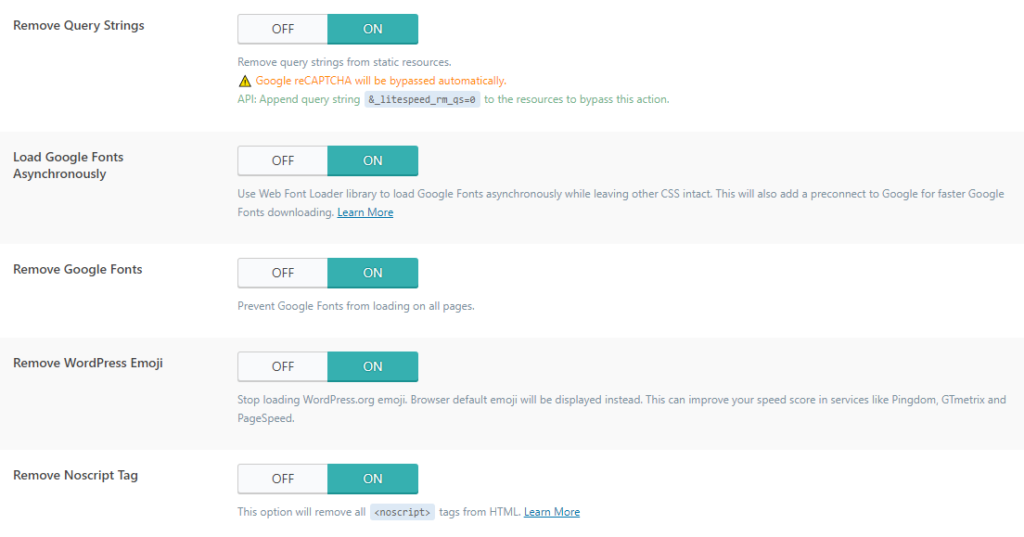
Remove Query Strings: This clears the parameters and allows pages to be loaded statically which results in faster loading.
Load Google Fonts Asynchronously: If you don't want all CSS to be loaded asynchronously, but only google fonts, you enable it here.
Remove Google Fonts: This removes google fonts from your site. You should test this separately because it can result in a change of style on the site.
Remove WordPress Emoji: this is used to load javascript for older browsers. Visitors with newer browsers will not notice any difference.
Remove Noscript Tag: Noscript tags are used to support older browsers. With this option, you delete such code on the site. This reduces the size of the page, but you lose compatibility with older browsers.